

What a day. All my love to you both.
From Grandma RuthEvent walls
A wishing wall for the room.
Guests add a wish from their phone while the party is happening. Every message lands on one wall, and you keep them all afterwards.
- Free while we launch
- No app for guests
- Live the moment you make it
Up in a minute, filling all night
A guestbook people actually write in, because it is already in their hand.
1
Put the wall up
Name the event, pick a cover, choose the background. The wall is live as soon as you make it.
2
Share it at the party
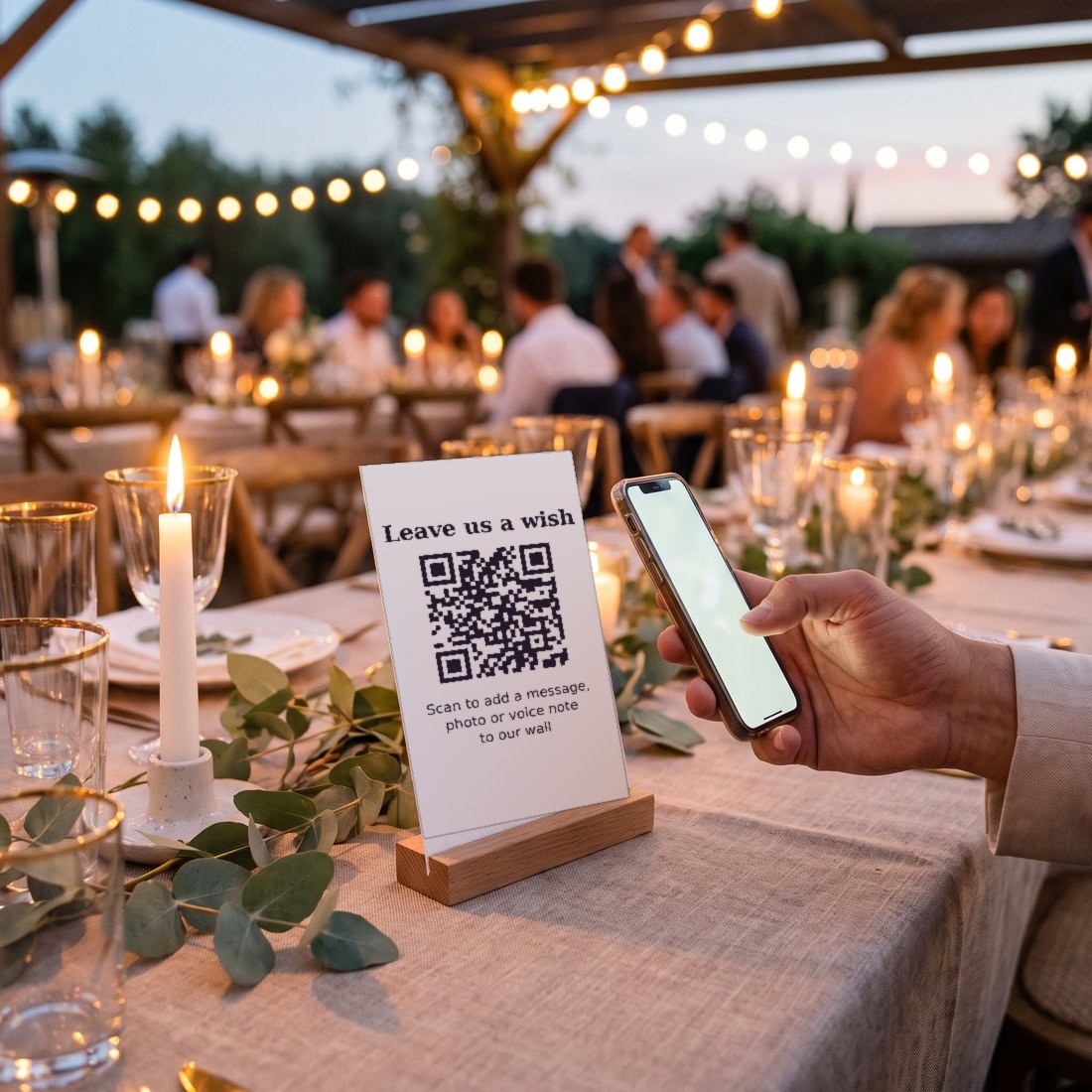
Put the link on the tables or in the group chat. Guests open it in a browser — no app, no sign-up.
3
Watch it fill
Messages, photos, GIFs and short clips appear on the wall as people write them.
Why a wall beats a book on a table
Live from the moment you make it
There is nothing to send and no moment to wait for. The wall exists, guests write on it during the party, and you watch it grow from your own phone.
- No “open it later” step
- Wishes appear as they are written
- Still there the morning after
Put it on the big screen
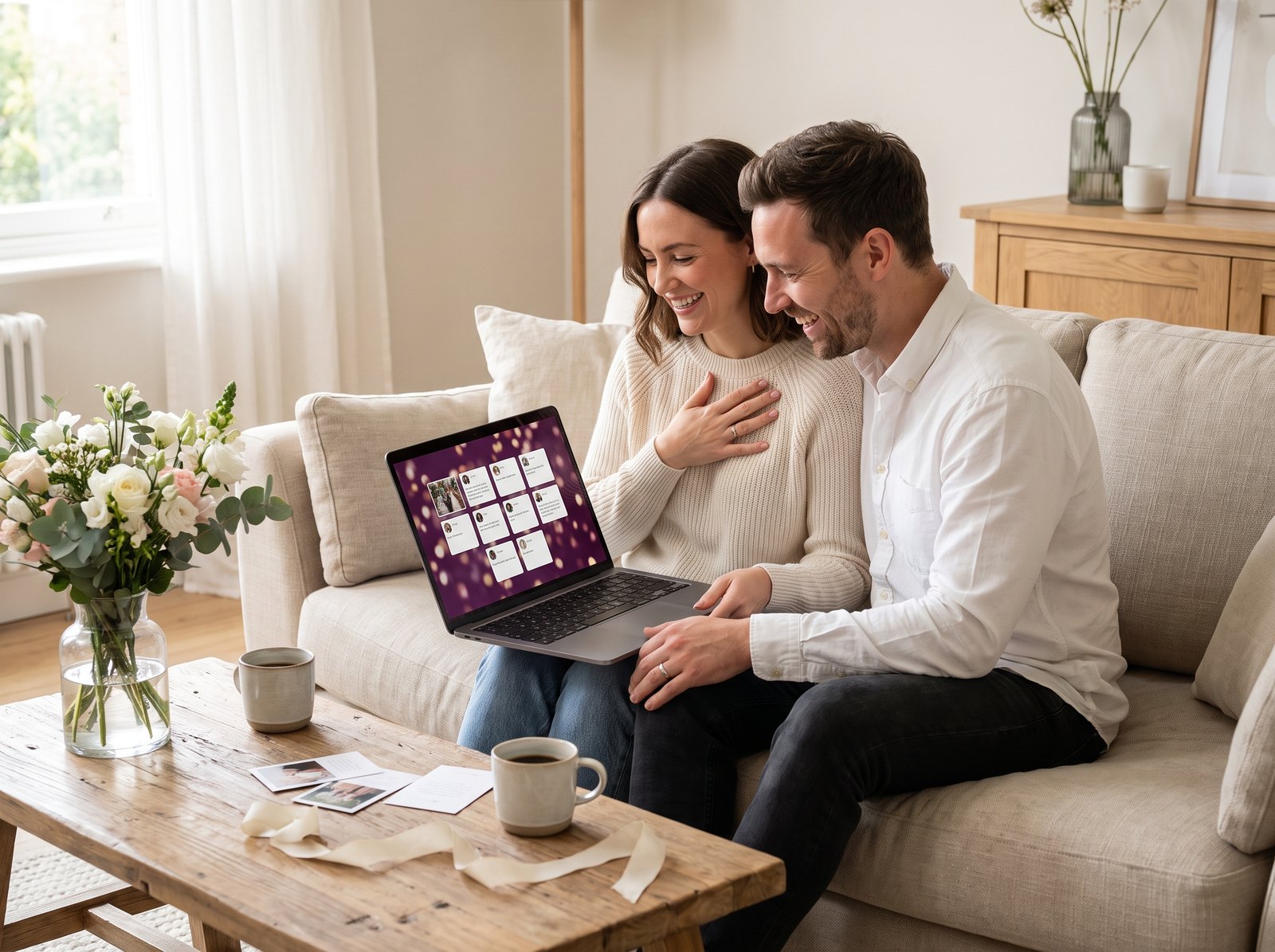
Open the wall on a laptop wired to a TV or projector and it becomes part of the room. People come back to read what everyone else wrote.
- Any browser, any screen
- Cover at the top, wishes underneath
- Backgrounds to match the party
Nobody downloads anything
A guestbook fails when it asks for an app store, a password, or someone’s email. This asks for a name and a message. That is the whole ask.
- No app, no account for guests
- Works on a borrowed phone
- A photo or a clip if they want one

Where a wall goes up
Weddings first, but a wall suits any room with people in it.
The short version
Free while we launch
Other digital guestbooks charge $39 to $119 an event. Today ours is nothing.
No app for guests
One link, opened in the browser they already have.
Every wish is yours
The wall keeps them for 30 days, or for good if it is saved to an account.
Printed QR is coming
Table cards and a sign are next. For now the link works on a place card or in the chat.
Find a wall
Wedding, birthday, a baby, a party, or a farewell.
Questions people ask
Do guests need an app or an account?
No. They open the link, type a name and a message, and add a photo or a clip if they feel like it. Nothing to install, nothing to sign up for.
How do guests get to the wall at the party?
You share one link. Put it on the tables, read it out, or drop it in the group chat. A printed QR code you can put on a table card is the next thing we add.
Can I show the wall on a TV?
Yes. Open the wall on a laptop connected to a TV or projector and leave it full screen. New wishes turn up as guests write them.
Is this a wedding guestbook?
That is exactly the job — a guestbook people fill in, because it is on the phone in their pocket instead of a book by the door. It works the same for a birthday, a farewell, or a christening.
What can a guest add?
A message with proper formatting, a photo, a Giphy GIF, or a video clip up to thirty seconds. Words on their own are perfectly fine.
How long do the wishes stay?
Thirty days, so there is time to read them properly after the party. Save the wall to an account and it stays for good.
Put a wall up for your party.
Name the event, pick a cover, share the link. Guests do the rest, from where they are standing.
See event walls