Make a GIF with their name and photo — free

Pick an animated design, add their photo and name, and download a GIF to send on WhatsApp or any chat. Every design is free, with nothing to install.

  • Free — every design, as many as you like
  • Their photo in the design
  • Send it on WhatsApp or any chat
  • Ready in about 15 seconds

Everything that makes it theirs

Not a stock GIF with a name pasted on. Their face and their words, moving.

Their face, right in the party

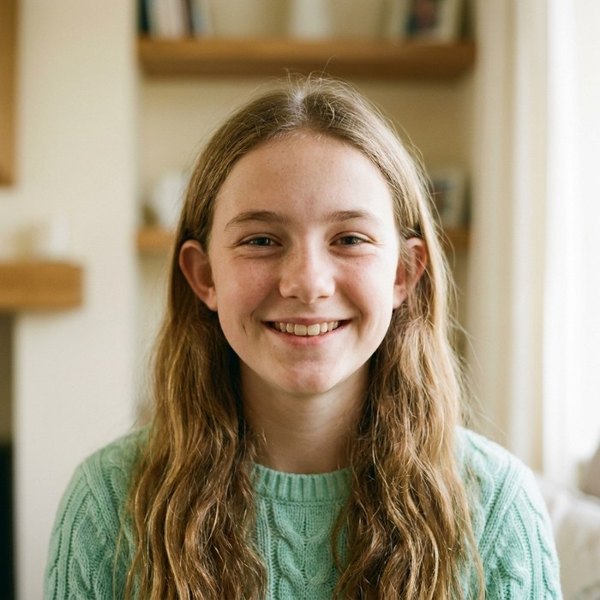
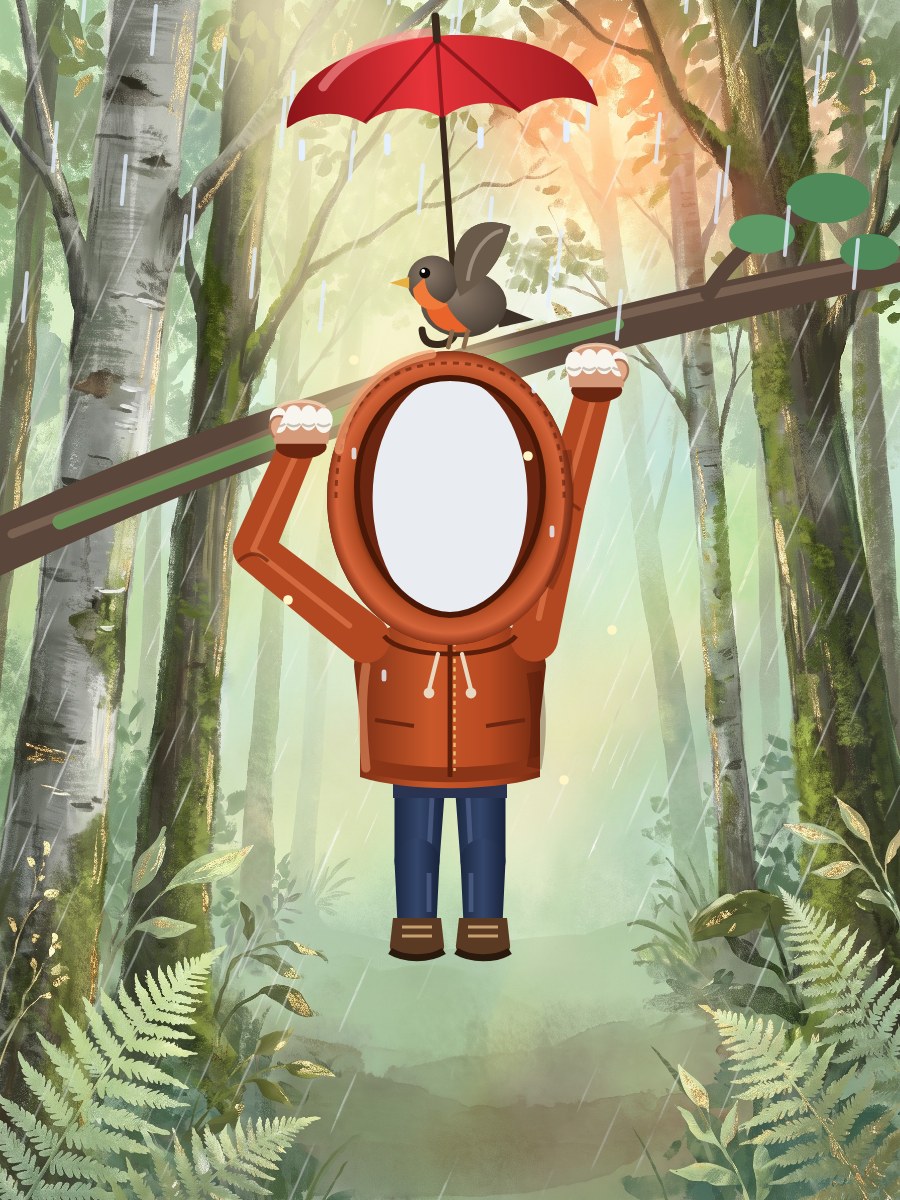
Upload any photo, zoom in on their face, and drag it into place. Then a party hat, a crown or a Santa hat drops onto their head.

  • Any photo from your phone or computer
  • Zoom and move until the face fits the circle
  • The photo is only used for the GIF, never kept

Their name, in big bouncy letters

Every line on the design is yours to change: their name, a nickname, an inside joke. The letters pop in one by one and wave hello.

  • Change every word on the design
  • Enter adds a line, Backspace removes one
  • Watch it move before you download

Your font, your size, your spot

Pick a font, make the words bigger or smaller, and drag them anywhere on the design. What you see is what goes in the GIF.

  • Eight fonts, from bouncy to script
  • Drag the words where they look best
  • The same editor as our greeting cards

Straight into the group chat

It is a real GIF file, so it plays anywhere. On a phone, share it to WhatsApp in one tap. On a computer, it downloads and you drop it into any chat.

  • WhatsApp, iMessage, Instagram, Messenger, Slack
  • Loops on its own, no link to tap
  • Ready in about 15 seconds

Sweet or funny

Not everyone wants hearts and balloons. The funny ones say what everybody is thinking about the age, kindly. The sweet ones are for Grandma.

  • Funny birthday GIFs for friends
  • Sweet ones for family
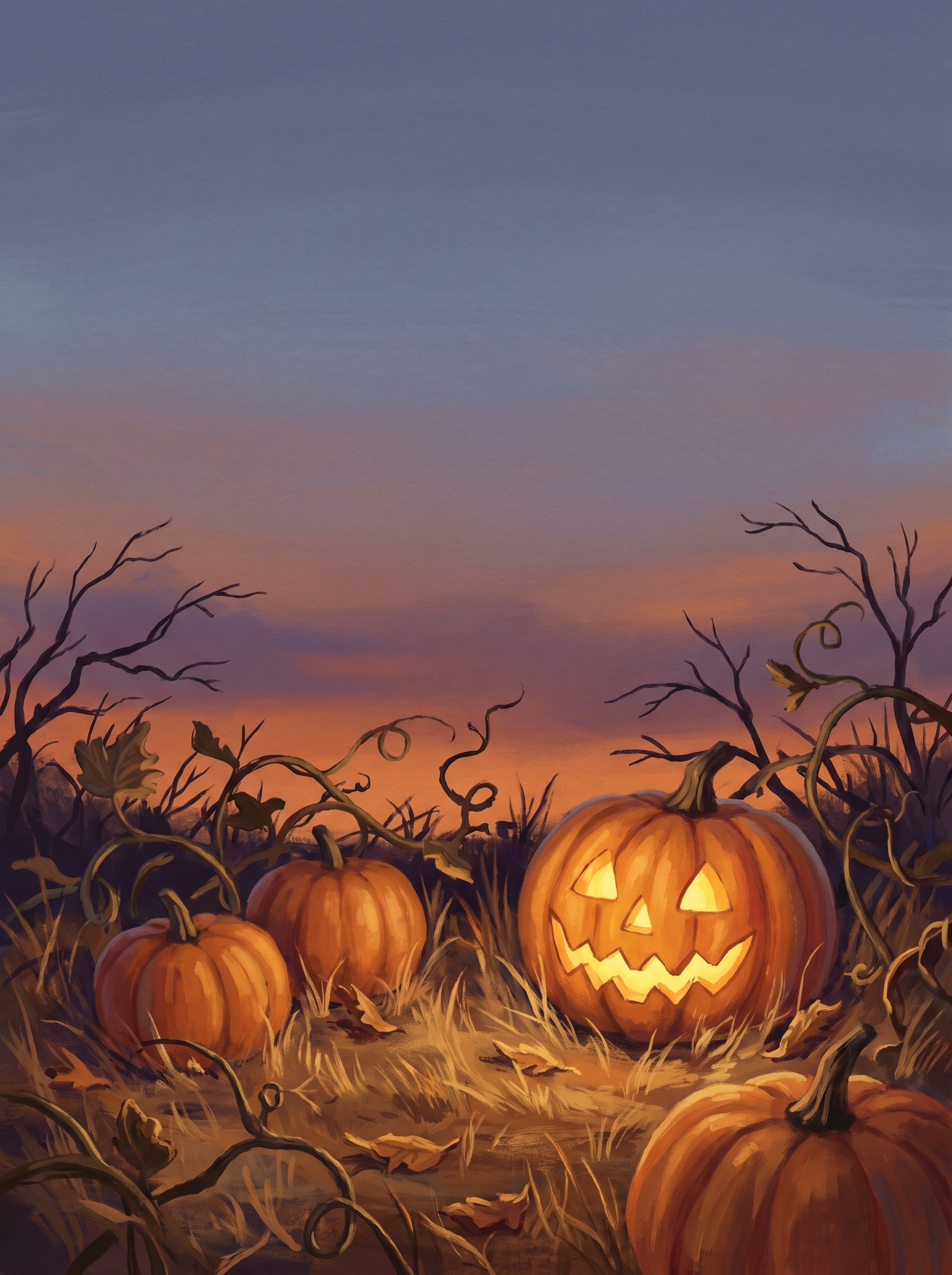
  • Birthday, Christmas, Halloween, weddings, babies and more

Free, every single one

Every design, their photo and their name, as many GIFs as you like. A small Fond Wishes mark sits in the corner so the people you send it to can make one too.

  • Every design included
  • Make as many as you like
  • Nothing to install

Three steps, about a minute

  1. 1

    Pick a design

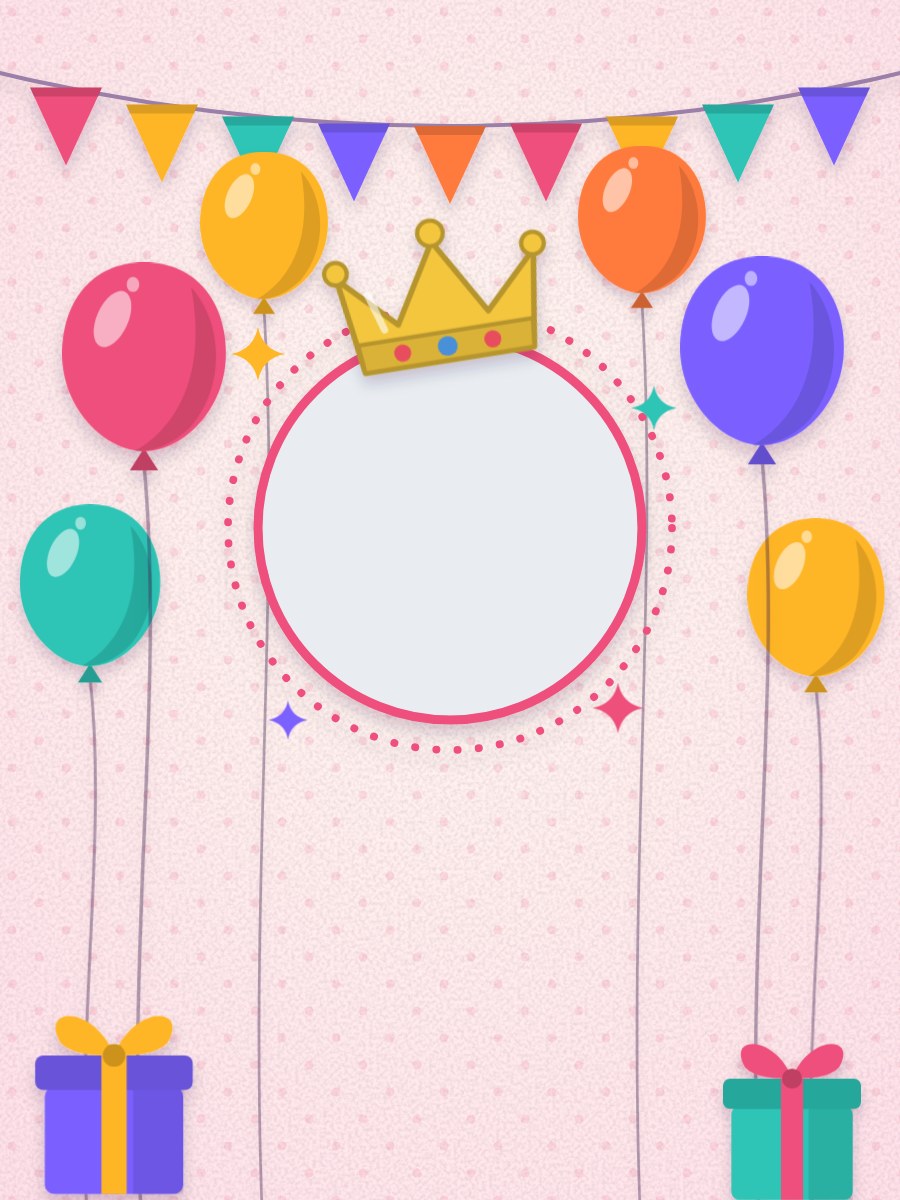
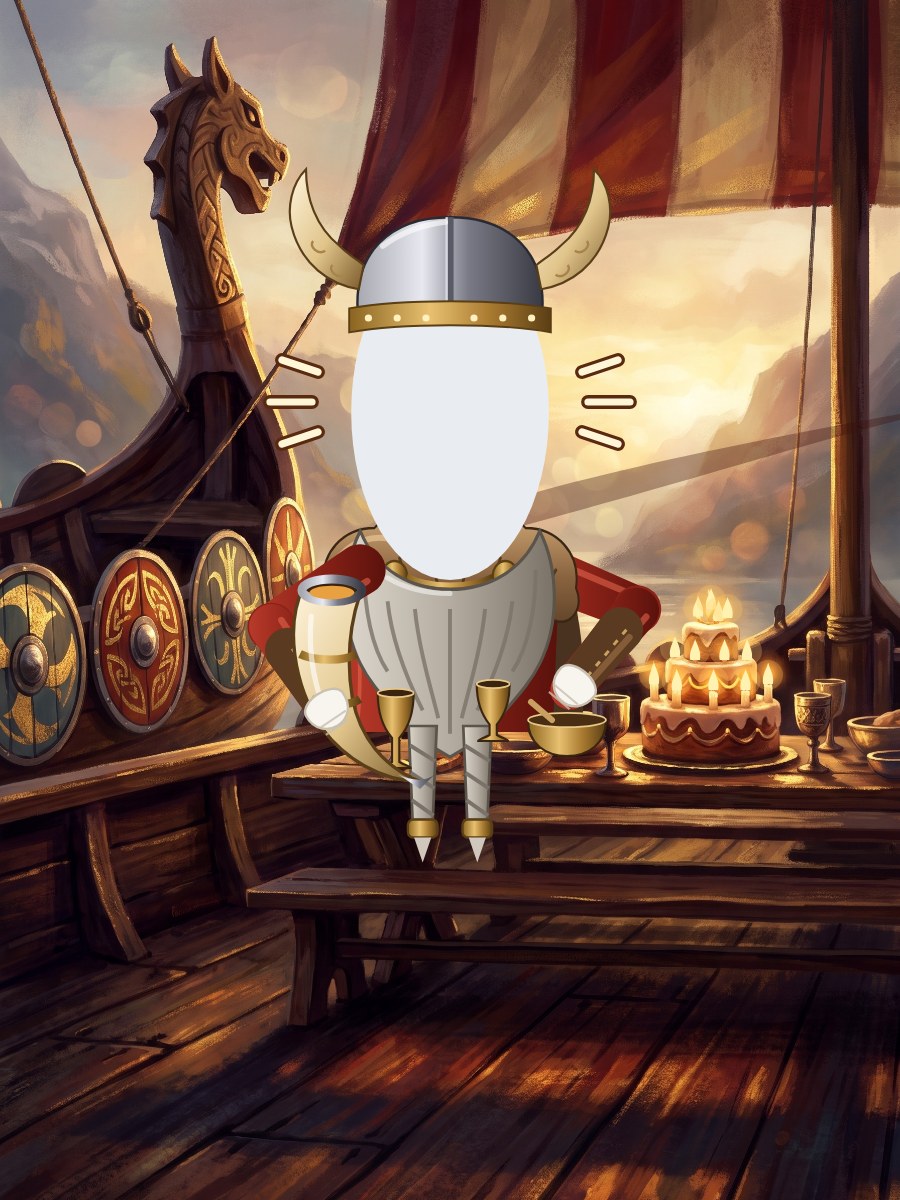
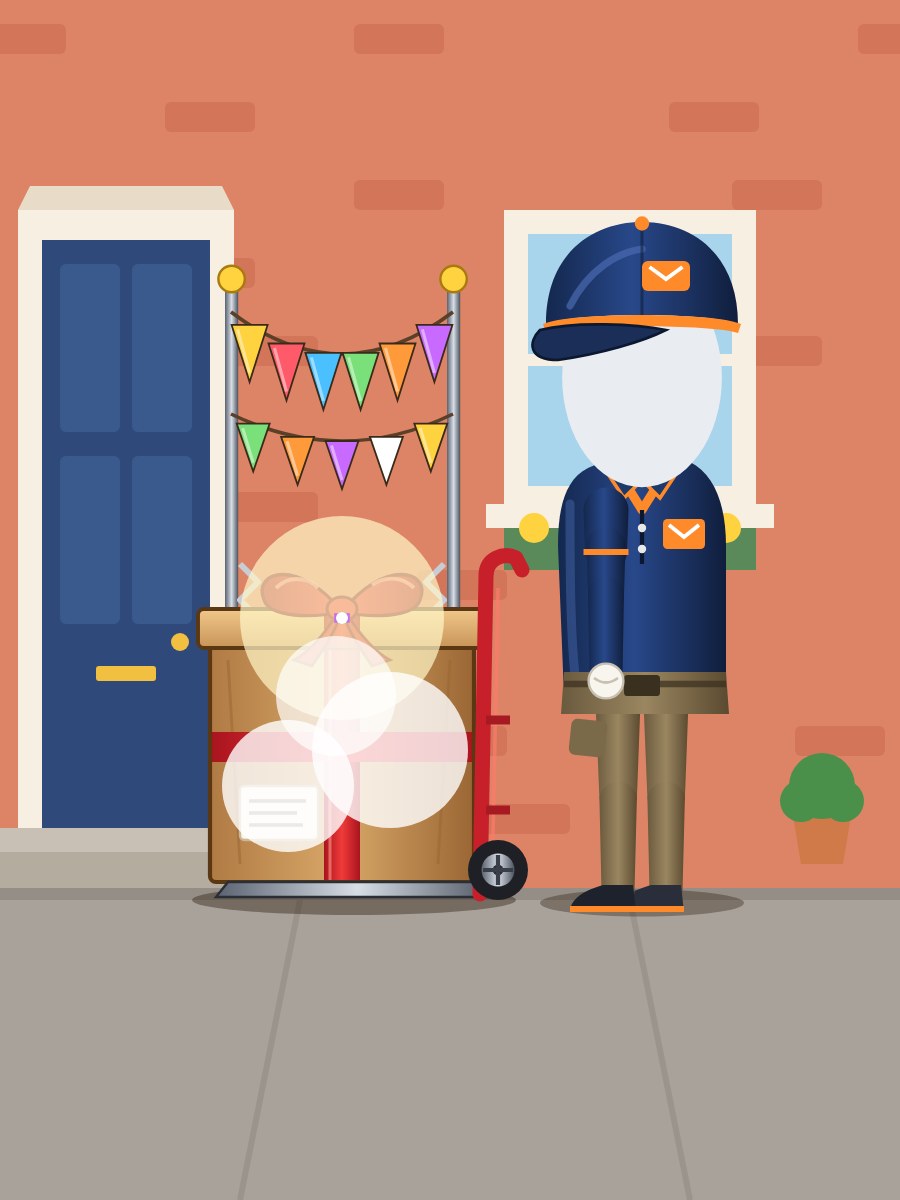
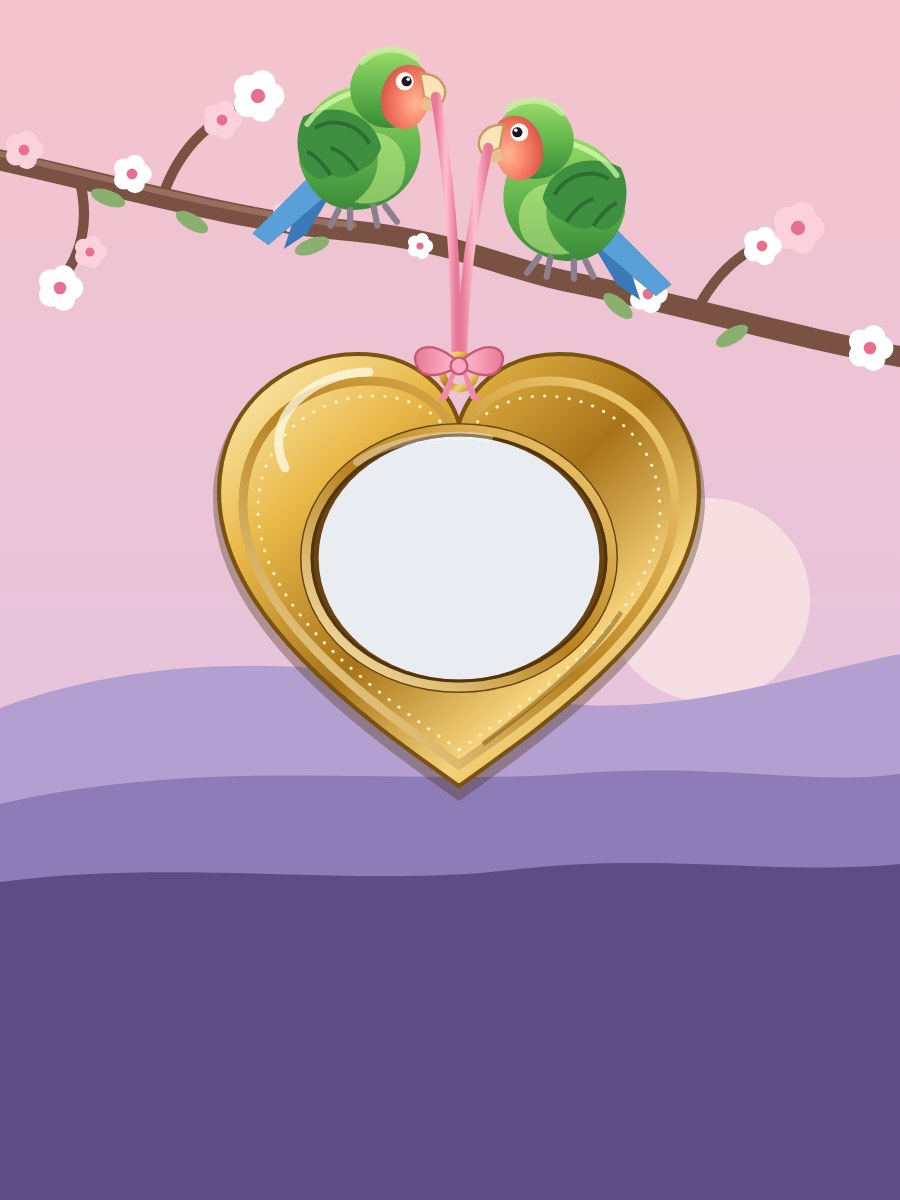
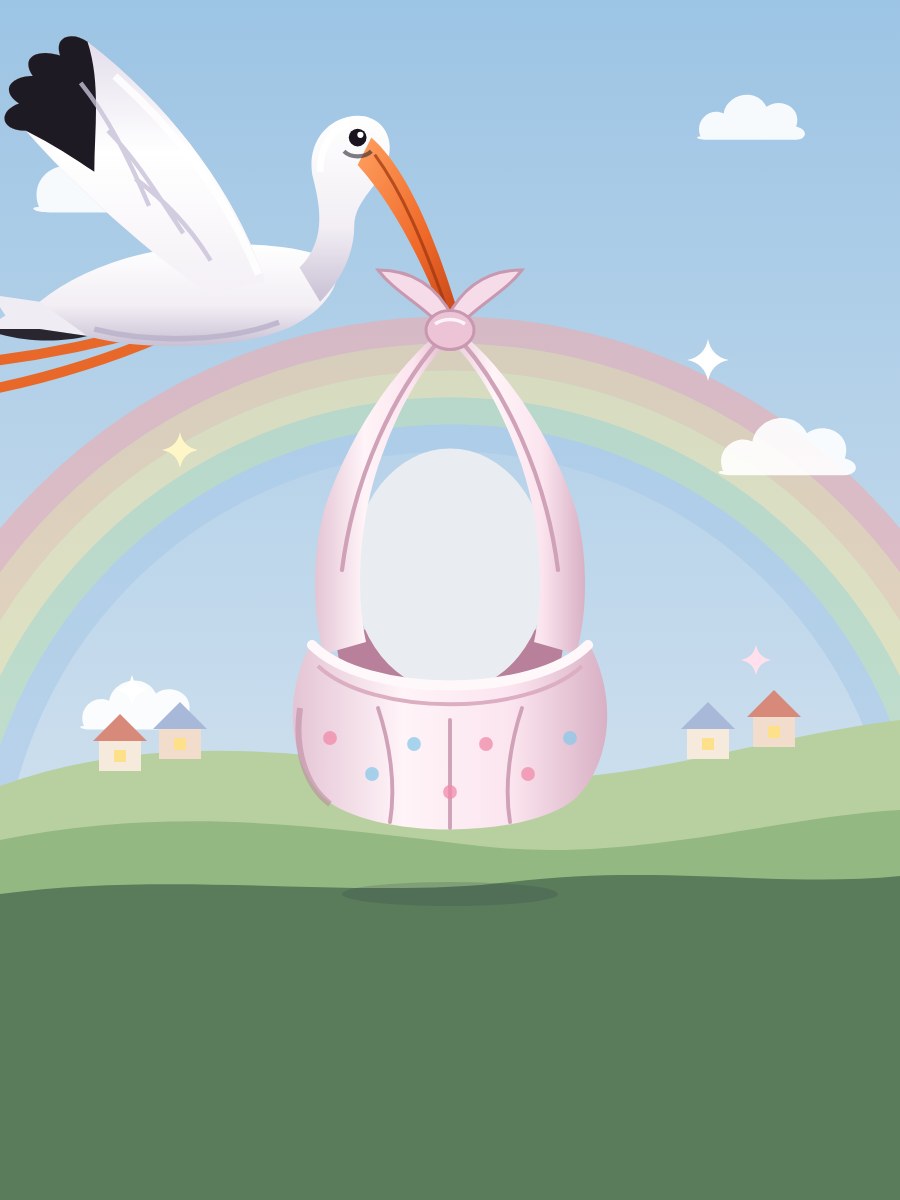
    Birthday, Christmas, sweet or funny. Every design moves: balloons rise, snow falls, the words pop in.

  2. 2

    Add their name and photo

    Type their name and any words you like. Upload a photo, zoom in on their face, and watch the crown land.

  3. 3

    Download and send

    The GIF is ready in about 15 seconds. Share it straight to WhatsApp, or save it and send it anywhere.

Questions people ask

Is it really free?

Yes, completely. Every design, their name and photo, as many GIFs as you like, and nothing to pay. There is a small Fond Wishes mark in the corner so the people you send it to can make their own.

How do I send it on WhatsApp?

On a phone, tap Share after the GIF is made and choose WhatsApp. On a computer, download it, then attach the file in WhatsApp Web, Messages, Instagram or any other chat.

What happens to the photo I upload?

It is only used to make your GIF. We do not keep it, and we do not show it to anyone. If you save someone to Your people in your account, that photo stays there for your next card or GIF until you remove it, and only you can see it.

What is the difference from a greeting card?

A GIF is a file you send in a chat. A greeting card is a link that opens from an envelope, with your message inside. Both are free.


Make their day in the group chat.

Pick a design, add their name and photo, download the GIF. That is the whole job.

Pick a design